How to supply your design print-ready: 5 tips
9 August 2026 · 2 min leestijd · DrukkerijNijmegen.com
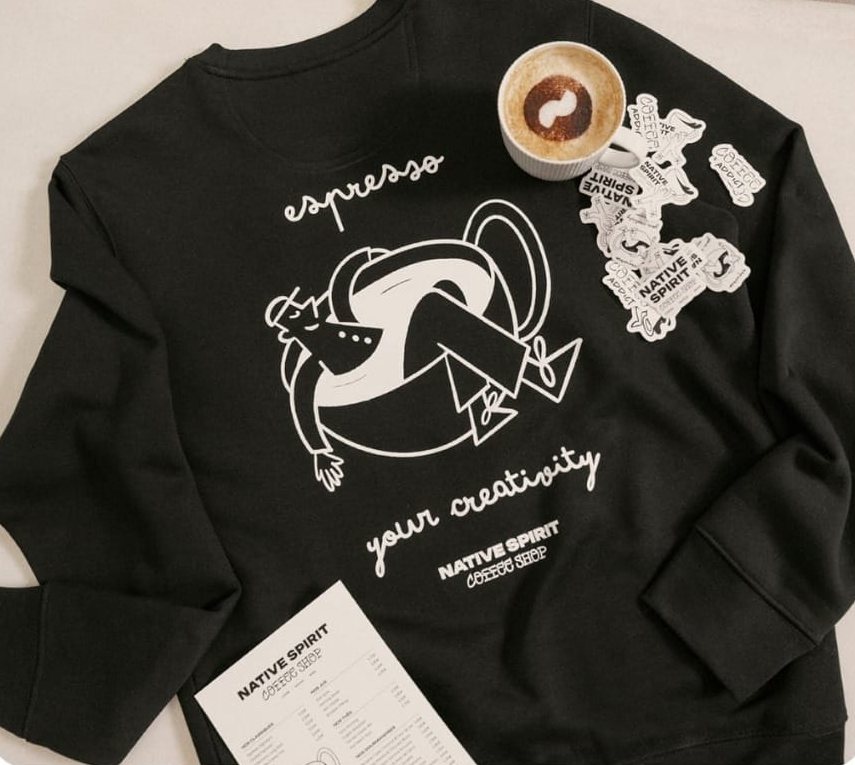
Every week we receive hundreds of designs at our print shop in Nijmegen — from sleek vector logos to phone photos of a napkin sketch. Anything is possible, but a good file gets the best result out of the press. Whether it's printing on clothing, stickers or flyers: these five practical tips apply everywhere.
1. Supply vector files if you can
A PDF, EPS or AI file stays sharp at any size. Logos and text built as vectors can be scaled without any loss of quality — from a small chest logo to a large back print.
2. No vector? Choose a high resolution
A PNG or JPG works fine — as long as the resolution is high enough. Count on at least 150 dpi at actual print size, and for printed matter, 300 dpi is preferable. A logo that's 200 pixels wide will look grainy on a back print.
3. Think about the background
A black logo on a navy shirt disappears. Think in advance about which colours your design will be printed on, and supply a light and a dark version if needed. For clothing, you choose per position whether the print is 1 colour or full colour; for printed matter, the paper determines how your colours come out.
4. Convert text to outlines
Using a special font? Convert the text to outlines in your design programme, so it looks exactly the same with us as it does with you. That way, no font can be lost or shifted along the way.
5. Not sure? Just send it in
We check every file before printing. If something's wrong, we'll let you know — including advice on how to improve it. For clothing, you'll also receive a digital proof for approval first. That way, there's never a surprise coming out of the press.
No design yet?
Do you only have an idea or a logo on paper? Our graphic studio can make your file print-ready or design it entirely, for a fee. Request a quote or get in touch — or drop by at the Betouwstraat, and we'll take a look at your file together.